Case Study

Claimr

Unifying service operations across public booking, admin
management, and field execution


Role

Lead Product Designer

platform

Web+ SaaS + Mobile App

Team

1 Jr. UI Designer, 3 Engineers, Founder

tools

Figma, Linear
Overview

Claimr is a comprehensive service management platform designed to streamline operations for service-based businesses.

The goal of the project was to design a scalable, intuitive, and operationally efficient product that reduces manual processes, improves service delivery speed, and enhances visibility across teams.

Claimr transforms traditional service operations into a streamlined, technology-enabled ecosystem that improves efficiency, accountability, and customer satisfaction.

Business Goals

A centralized tool for real-time job monitoring

Smart scheduling and technician assignment

Customer and service history management

Mobile-first experience for field staff

Centralized Operations Management

Transparent billing

The Challenge

Service businesses (e.g., home services, maintenance, repairs) were
relying on disconnected tools — calls, chats, spreadsheets, and
fragmented apps — to manage bookings, assign jobs, track progress, and
handle billing.

01

Missed or delayed
service bookings

02

Ambiguous job
ownership

03

Lack of tracking for
admins & field staff’s

04

Manual follow-ups and
invoice errors

Opportunity

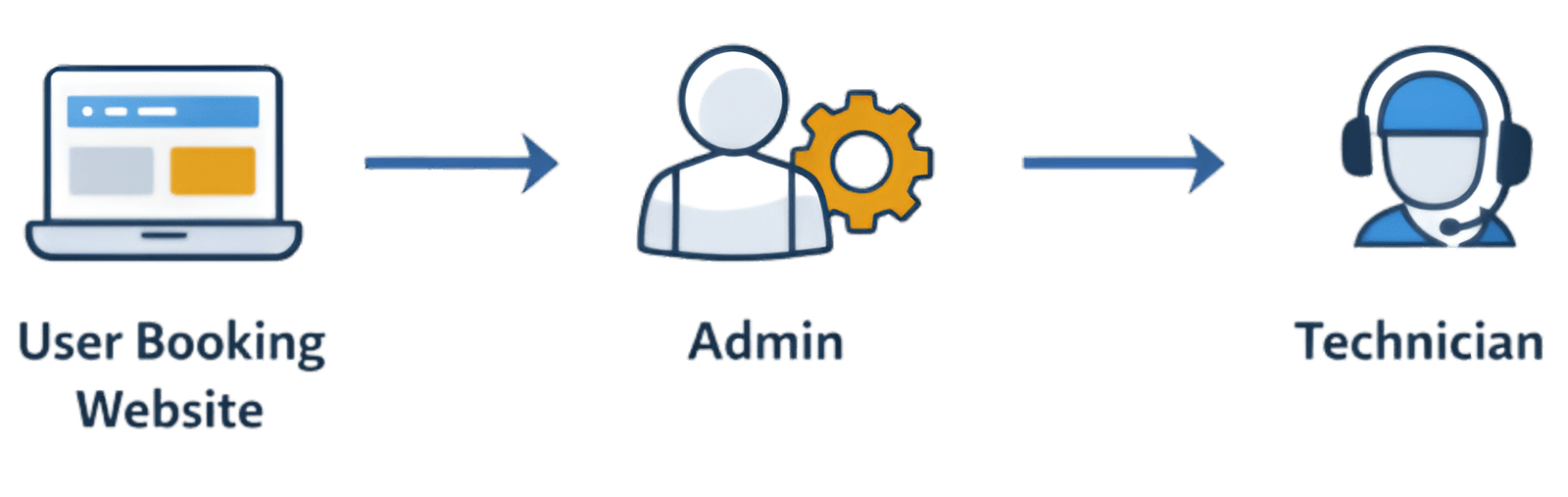
Build a  unified system  that connects public users, admin
operations, and technicians in a synchronized workflow to
reduce friction and operational overhead.

My Role

I led the complete product design process for Claimr, transforming a complex service management workflow into a streamlined, scalable digital platform. 


From mapping user journeys and defining system architecture to building a robust design system and crafting responsive dashboards, I ensured the product delivered operational clarity for admins and simplicity for technicians — while maintaining a seamless booking experience for end users.

Focus

Operational clarity

Workflow efficiency

Scalable system design

Cross-role usability consistency

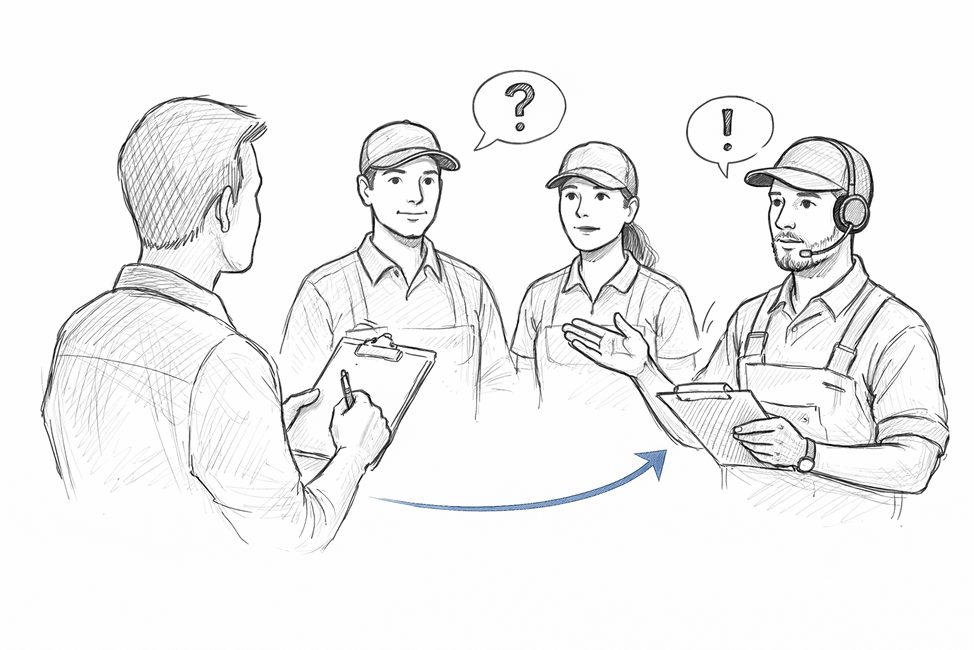
Understanding User Needs

Stakeholder interviews with operations teams

User interviews with technicians and service staff

Analysis of existing tools & logs

Key Insights
Admin Pain Points

Struggled with assigning jobs manually and tracking technician availability

Technician Needs

Needed a mobile-first view of jobs, routes, and check-in/check-out tasks

Customer Expectations

Wanted easy booking and real-time status updates without calling support

From Concept to Reality

From sketches to flow diagrams to high-fidelity screens - here’s
how the experience evolved through iterative design and user
feedback

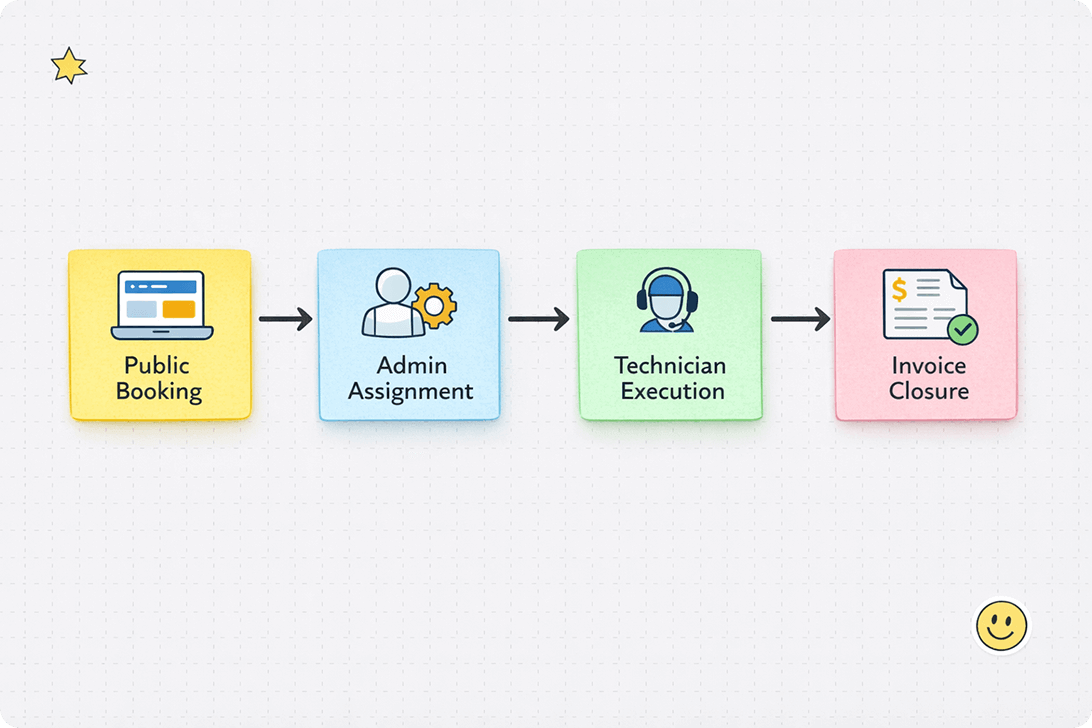
Flow Diagrams & Architecture

I mapped the complete service lifecycle and identified critical transition moments where clarity, accountability, and data visibility were most needed. The flow diagrams were not just structural representations, but problem-solving tools.

Each stage — Public Booking, Admin Assignment, Technician Execution, and Invoice Closure — was intentionally structured to reduce ambiguity and create smooth handoffs between stakeholders.

This map became our core directional artifact

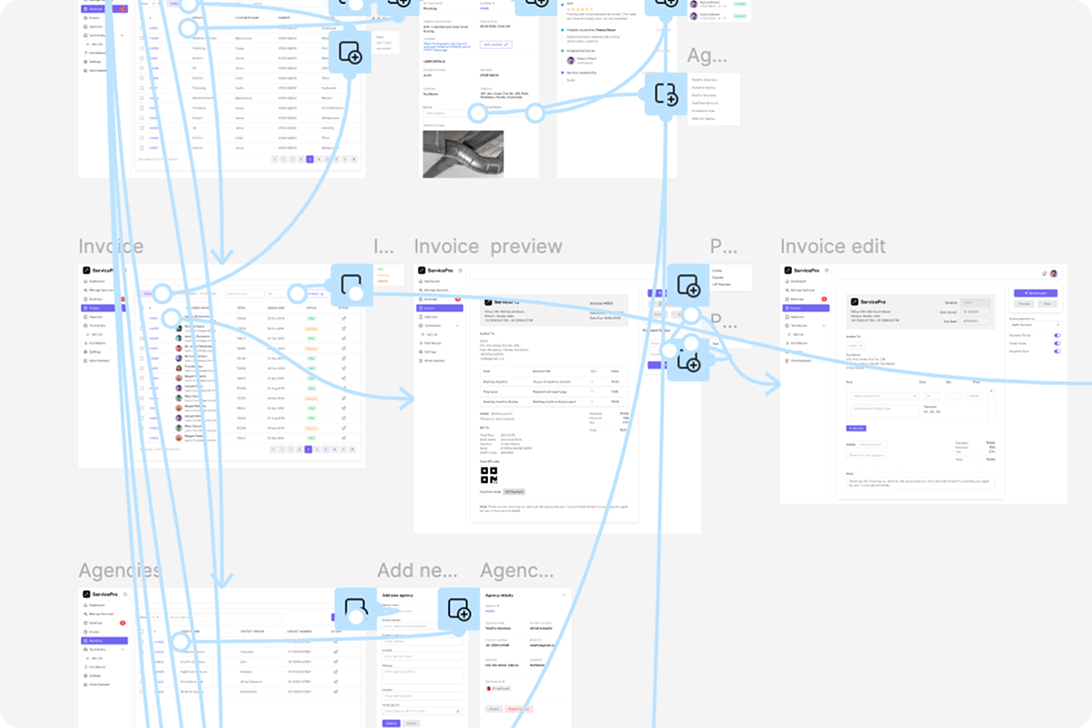
Wireframes & Prototype

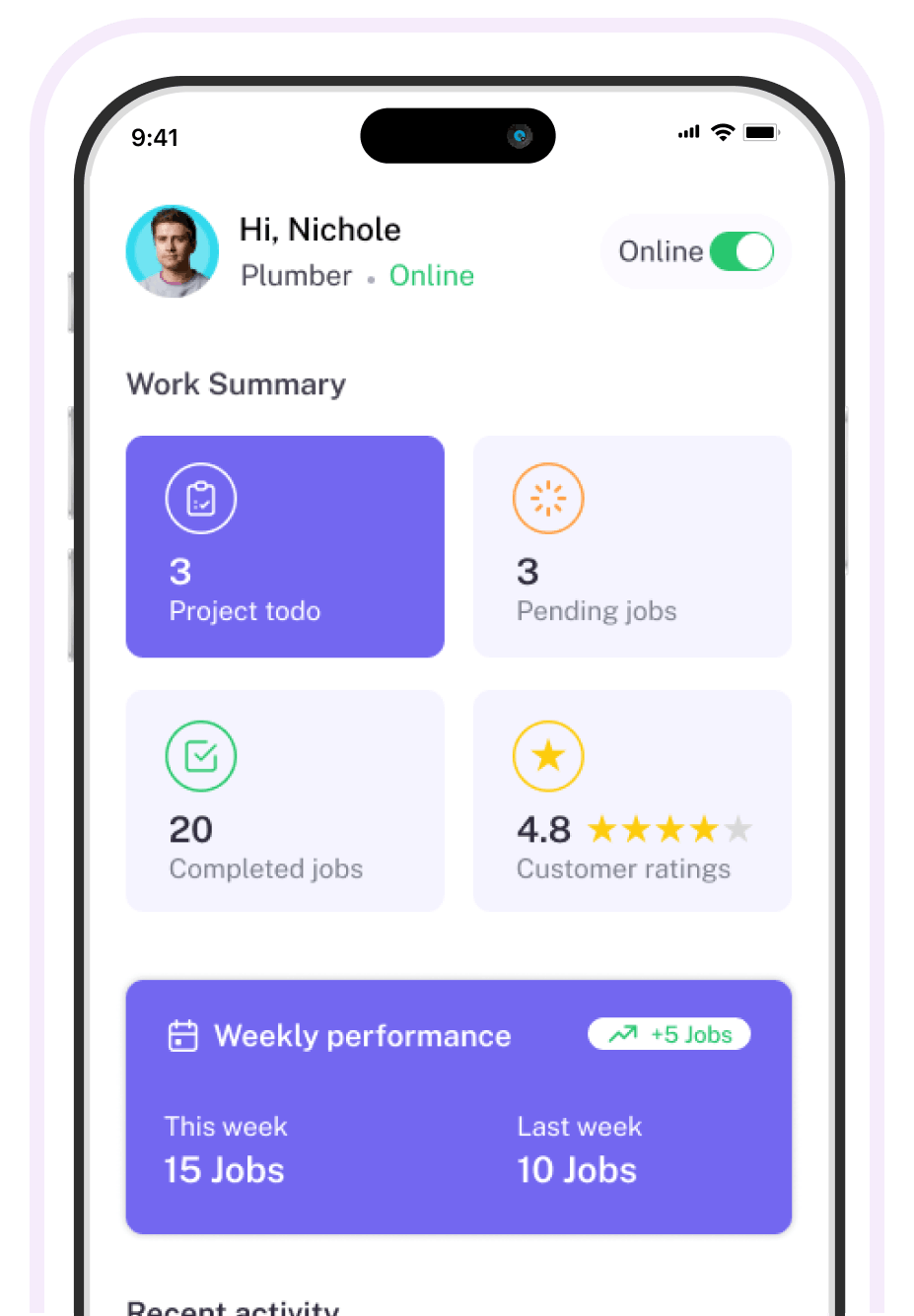
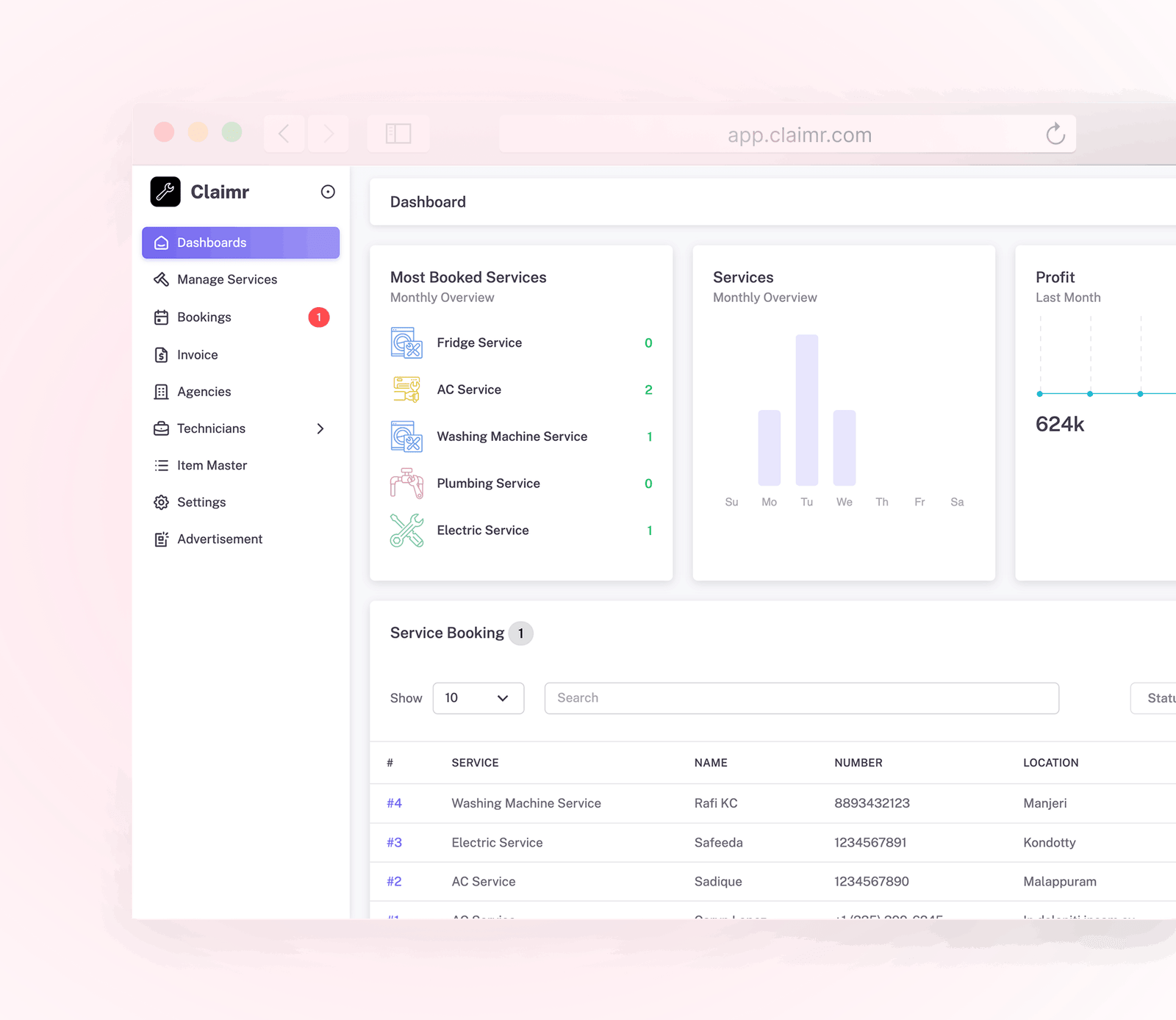
Early wireframes for booking screens, admin dashboard, and technician task view. We explore multiple layout directions focusing on clarity, role context, and task-based flows.

For the Technician Mobile App, we introduced service-specific checklists to standardize task execution across different service categories. Each service type includes a predefined checklist to ensure consistency, reduce errors, and maintain quality standards in the field.

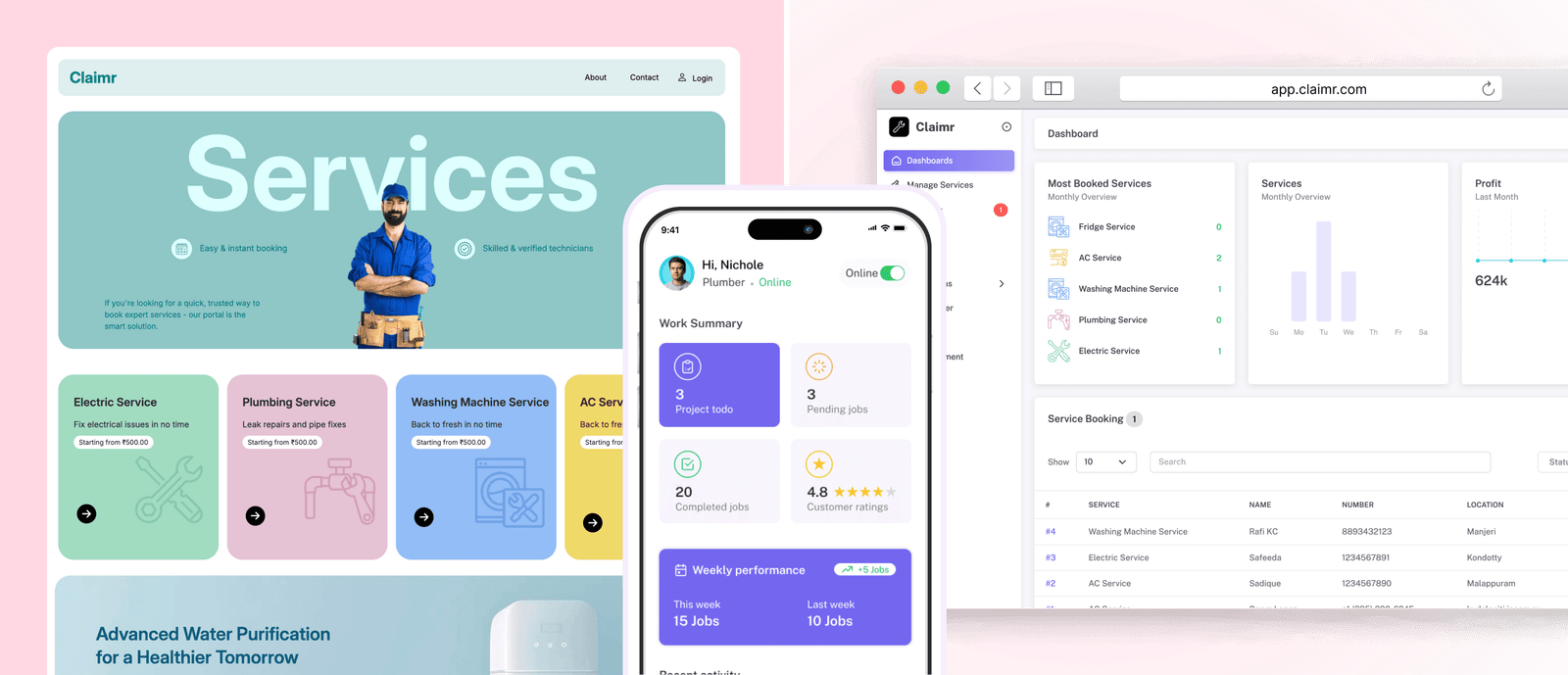
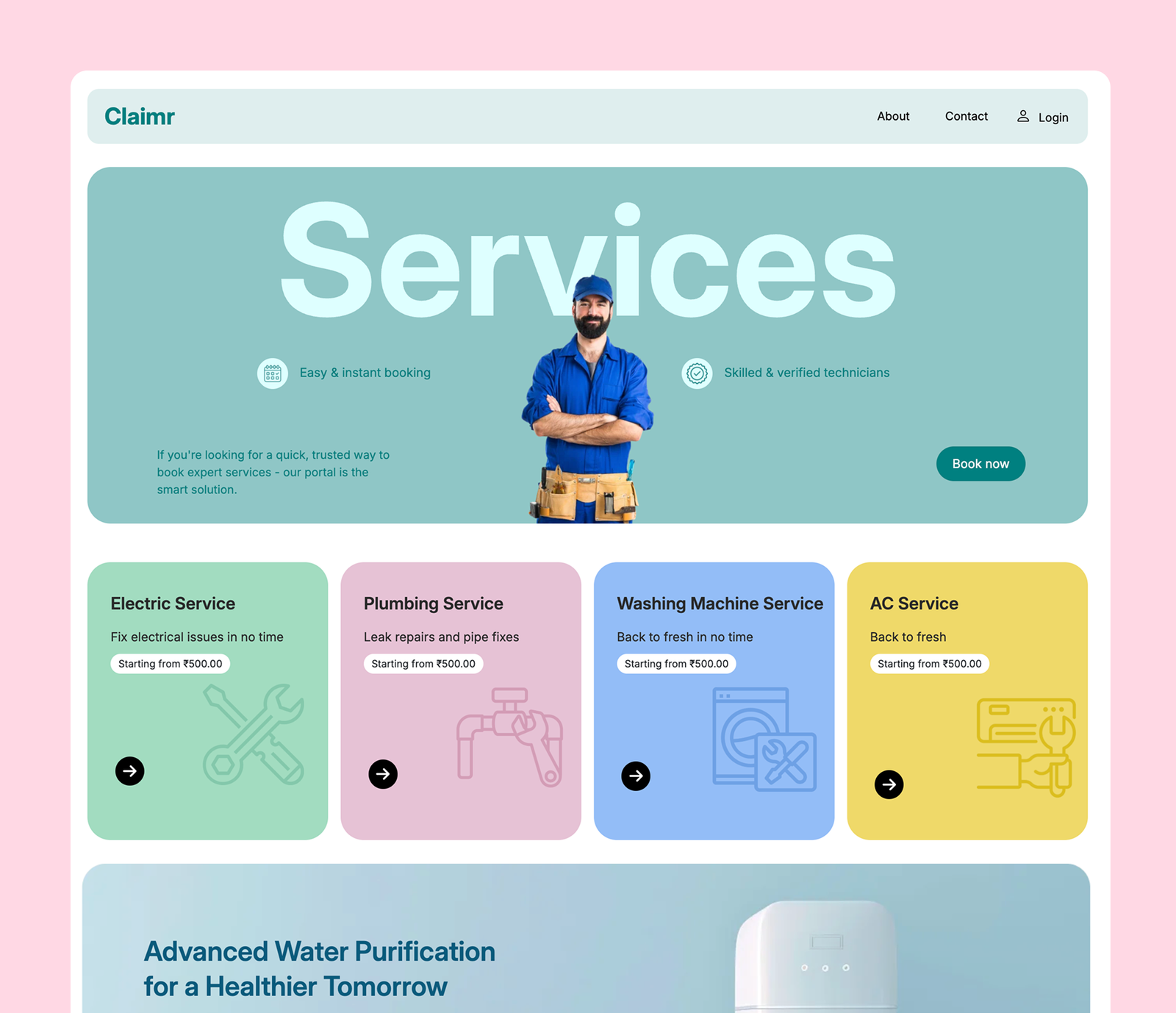
We designed a unified platform for every user.
Claimr brings together customers, administrations, and technicians
in a seamless workflow with purpose-built interfaces for each role.

Key Takeaways

Insight and learning from the Claimr design journey that will
inform future product development.
Role-Based Design

Integrating role-based priorities early prevents usability conflicts later. Understanding each user's specific needs from the start saved countless revision cycles.

Real-Time is Critical

Real-time updates (e.g., job status, technician location) greatly reduce support overhead.

Task-Centric Mobile

Field teams need contextual actions, not just full dashboard mobile design must be task-centric.

Future Innovations

Future improvements can include AI-based schedule optimization and automated ETA tracking.